
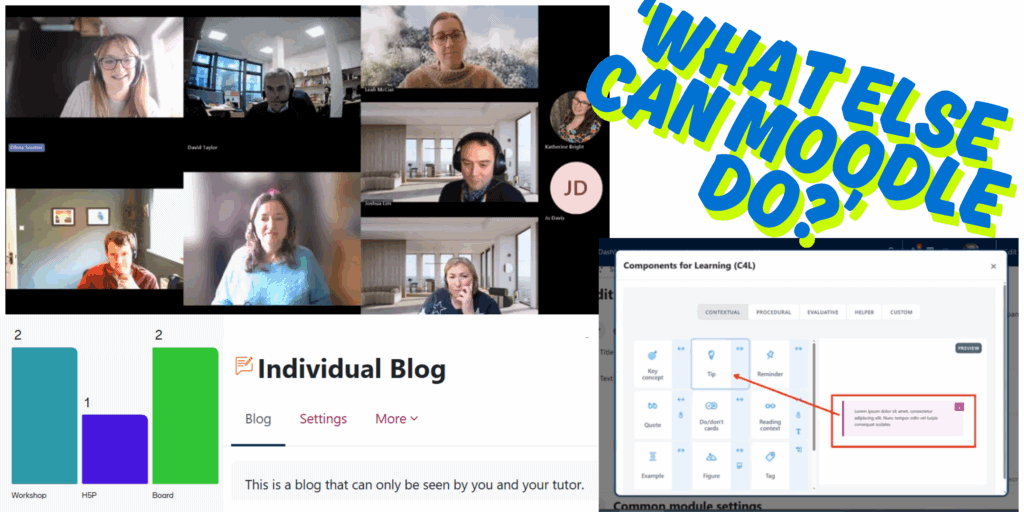
Our latest TEL Community of Practice meet-up on 13th November invited colleagues to explore some lesser-used features in Moodle. After a light Mentimeter warm-up that surfaced some familiar feelings about Moodle (“difficult”, “sometimes slow”, “not obvious”), conversation quickly turned to practical ideas and real examples of what Moodle can support beyond standard assignments and forums. Watch the recording or read on for a summary of the tools that generated the most interest.
Published on: 21/11/2025 · Last updated on: 16/01/2026
Moodle Workshop: Supporting Peer Assessment
“It makes the admin of a peer assessment a lot easier.” – Josh Lim
We began by looking at the Moodle Workshop activity, a structured tool for peer assessment. Workshop guides students through submitting their own work, assessing their peers using rubrics or criteria, and receiving moderated grades. Colleagues noted that although the setup looks detailed at first glance, the tool handles the complex part: allocating submissions, managing timelines, and bringing the whole process together. It’s a strong alternative to external tools such as FeedbackFruits for developing students’ evaluative judgement.
Read more about Moodle Workshop as an alternative to FeedbackFruits.
Blogs: A Hidden Reflective Gem
“I think it’s a really nice little feature in Moodle that isn’t highly used.” – Olivia Soutter
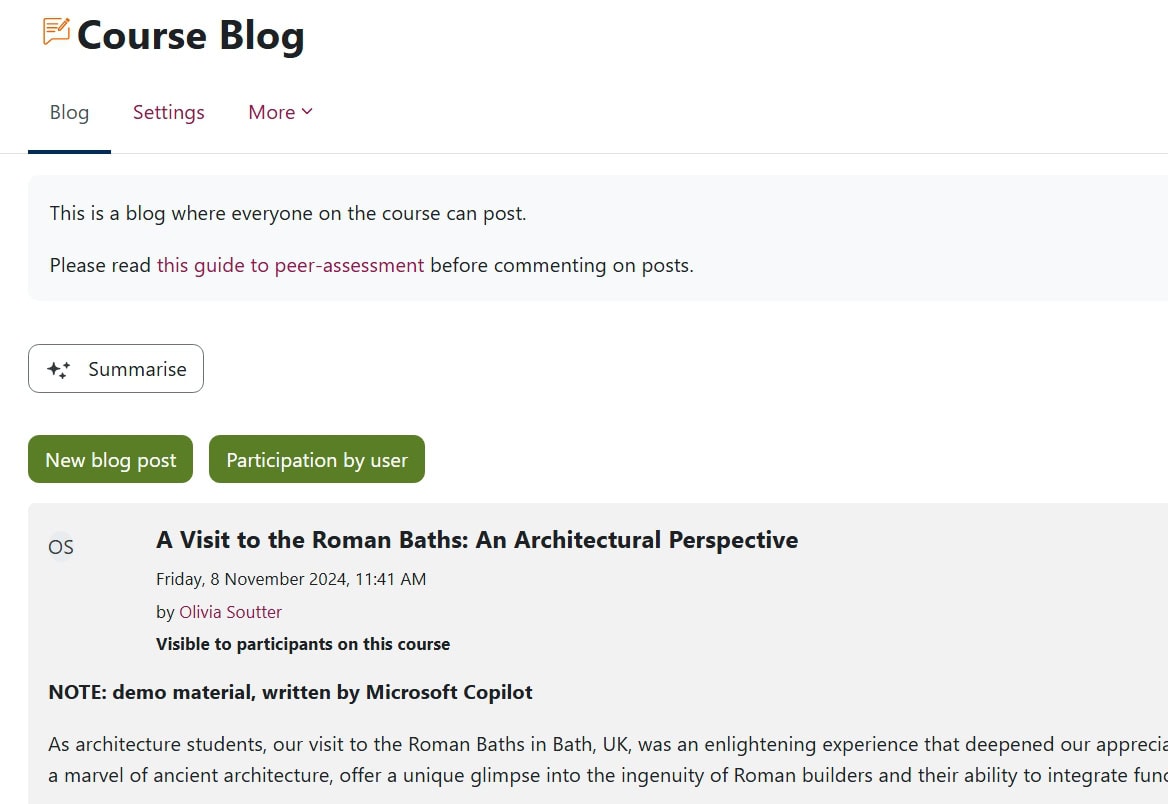
The Moodle Blog activity stood out as an underused but highly flexible option. Blogs can be configured as individual reflective journals, visible only to the student and teacher, or as shared course blogs where students publish for their peers. Staff discussed potential uses including reflective practice, documenting practical work, or even paired collaborative writing. Some attendees expressed interest in trialling blogs as a way to support ongoing reflection.
Read more about how to create and use a Moodle Blog.
Moodle Board: Supporting Collaborative Sharing
“There’s lots of different ways [students] could create content: they can add shared content, resources or also ask questions.” – Josh Lim
The Moodle Board activity gained attention as a fully integrated alternative to Padlet. Boards allow students to share posts, links, questions, or images within customisable columns, and they can upvote contributions. Posts appear anonymously to peers, helping students feel more confident asking questions. Colleagues highlighted how simple boards are to set up, and how well they work for asynchronous engagement, resource sharing, or brainstorming.

Fair Allocation: Simplifying Student Preferences
“It’s a really cool plugin… the perfect tool for something like placements.” – Dan Green
The Fair Allocation activity was introduced by Dan as a powerful tool which allows students to indicate their preferences before being sorted into groups, ideal for managing project topics, dissertation titles, or placements. Students rank their preferences (there are a variety of ranking methods and options for staff to choose from when setting up the activity); Moodle then uses an algorithm to allocate options as fairly as possible. The system also creates Moodle groups automatically. Staff appreciated that allocations can still be edited manually if a last-minute change is needed.
Find about more about using Fair Allocation in Moodle.
Choice and Group Choice: Quick-Fire Student Preferences
“Rather than something that’s going to, you know, take [students] ages, it takes them 10 seconds.” – Katherine Bright
The Choice activity allows students to select from a list of options, for example when tracking preferences, interests, or sign-ups. Attendees noted how useful it is that the activity can be configured so that students can change their selection at any time.
Its companion, Group Choice, is a simplified version of Fair Allocation, in that it automatically places students into Moodle groups based on their choices, making it especially valuable for project topics or differentiated resources.
Components for Learning: Improving Moodle’s Look and Feel
“Component for Learning templates are a nice way to make Moodle content clearer and more attractive.” – Josh Lim
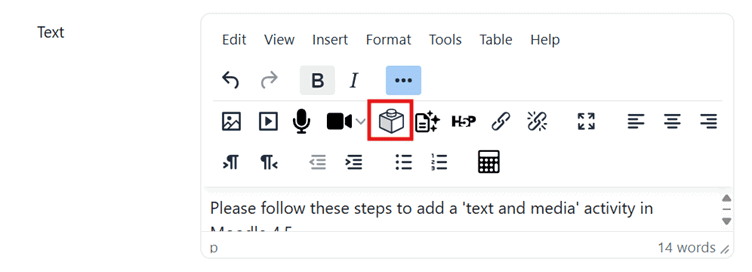
In response to Mentimeter feedback about Moodle’s look and feel at the start of the session, several colleagues were pleased to hear from Josh about the relatively new Components for Learning (also known as C4L) templates built into Moodle’s text editor, which can be found by clicking on the “Lego brick” icon. These allow staff to add visual elements such as highlights, tip boxes, timelines, or structured layouts with just a few clicks, helping pages feel clearer, student-friendly and more visually pleasing.
Read more about Components for Learning.
Database: A Flexible Tool for Creating Shared Resources
“We use Databases as teacher-facing application records so we can see what placements students are applying to.” – Katherine Bright
The Moodle Database activity offers wide-ranging possibilities: shared resource banks, reading collections, image galleries, class introductions, or even moderated reflective journals. Because staff define the entry fields, databases can be structured to suit almost any purpose. Colleagues shared examples of using them for application records, collaborative collections, and student-generated resources.
Have a look at these Moodle Academy examples of different Database uses.
Feedback: A Simple Way to Gather Course Insights
“It’s a way to survey students on what they think.” – Josh Lim
The Feedback activity remains a useful tool for collecting quick student input. Because it sits within Moodle, it benefits from activity completion settings, helping encourage participation. It works well for mid-unit check-ins, Stop-Start-Continue exercises, or gathering insights that can inform teaching in real time.
Looking Ahead
Participants left the session inspired to try new tools, from Blogs and Fair Allocation to improved page design. As Olivia reflected near the end of the session:
“There are lots of unexplored possibilities, and it’s nice to think about the positives and the potential of [Moodle], as well as the day-to-day practical stuff.”
For anyone interested in exploring different Moodle activities, the Instructional Design team are always happy to help colleagues experiment, refine ideas, and support implementation.
Book a 1-2-1 with an Instructional Designer.
We’d love to hear from you if you’ve been experimenting with new Moodle Activities, or if you try anything new as a result of this session!
University of Bath staff can join our TEL Community of Practice to share your experiences and tips, and to stay updated on the latest tools and techniques for creating resources.